
Furniture of America
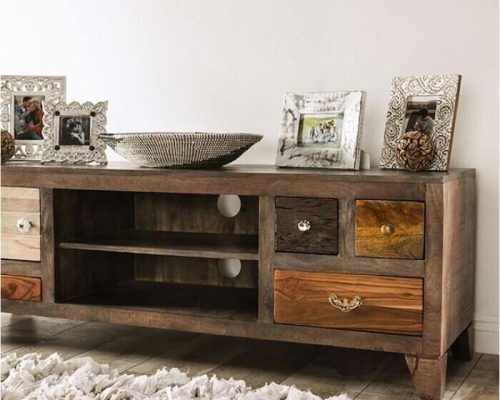
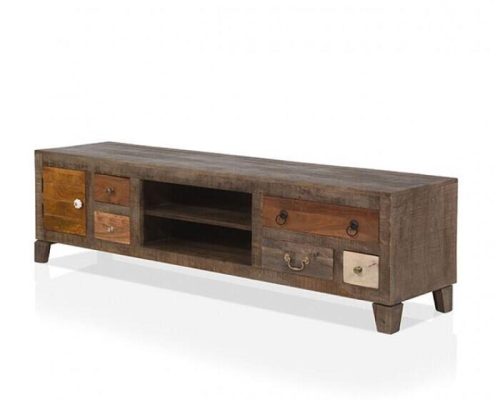
Furniture of America Saffronwald Rustic Multi Brown Media Console
Furniture of America
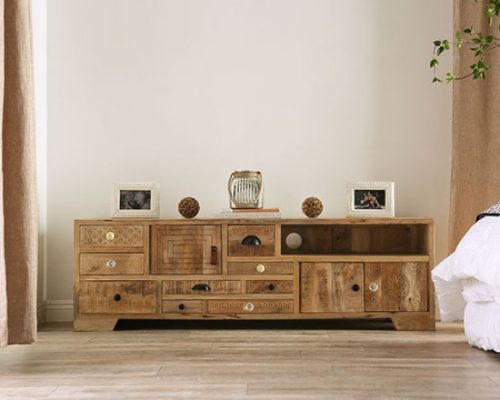
Furniture of America Blanchefleur Rustic Solid Wood Weathered Light Natural Tone Media Console
Furniture of America
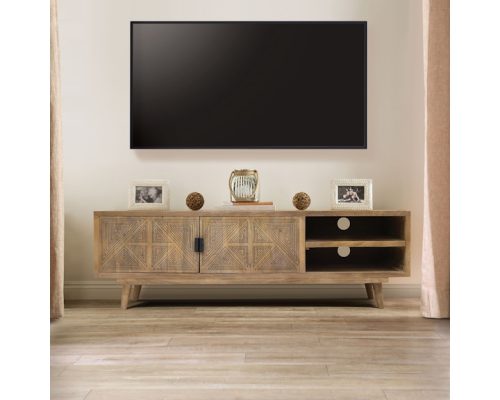
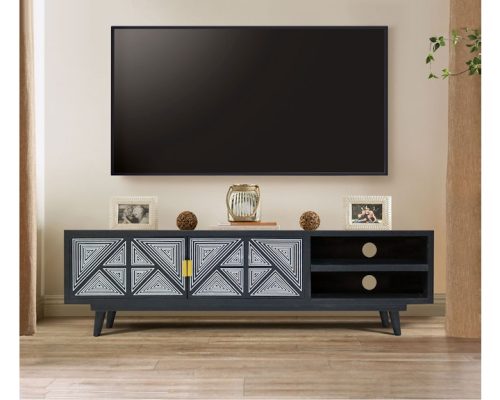
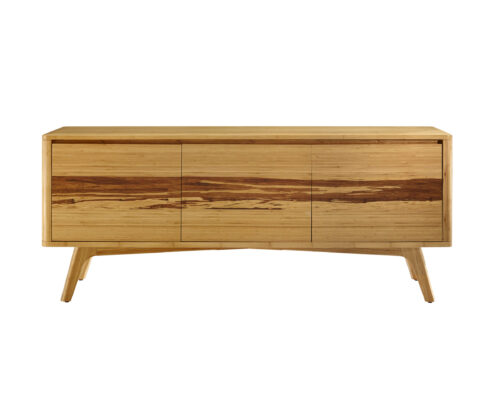
Furniture of America Zahara Solid Wood Mid-Century Media Console
Furniture of America
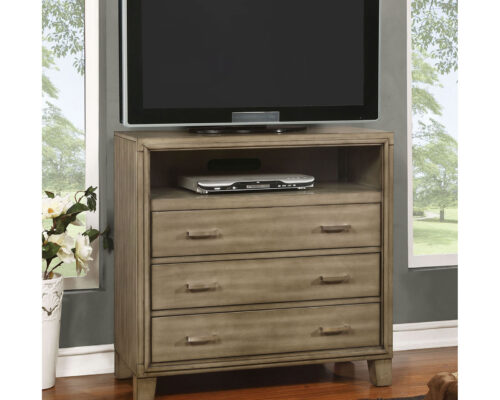
Furniture of America Enrico Contemporary Solid Wood Gray Media Chest
Furniture of America
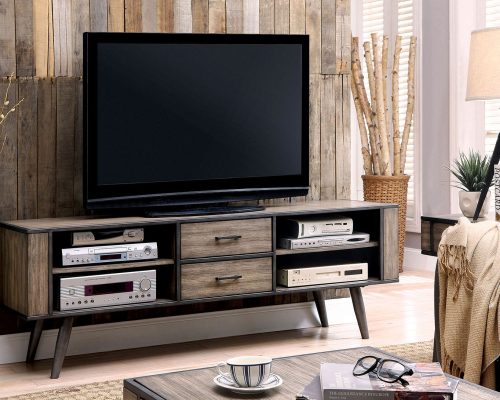
Furniture of America Vilhelm Mid-Century Modern Gray 72″ TV Console
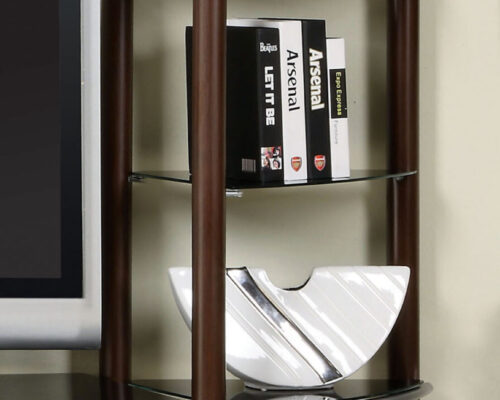
Furniture of America
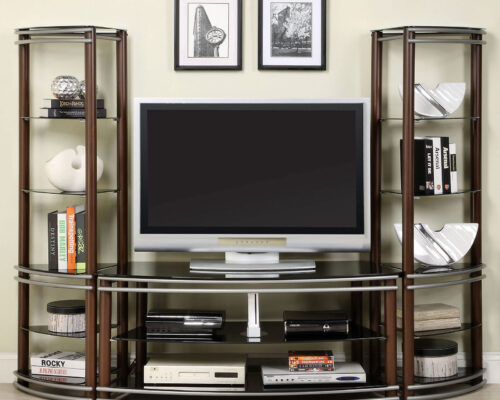
Furniture of America Silver Creek Contemporary Brown/Silver TV Console & 2 Pier Shelves
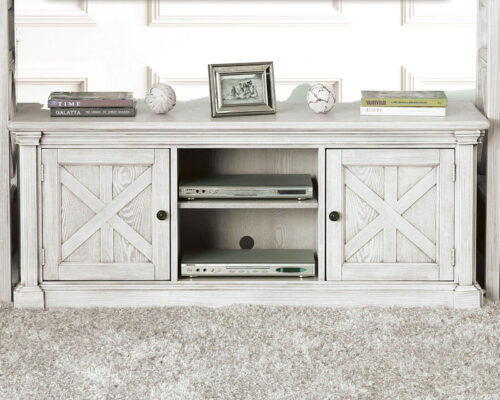
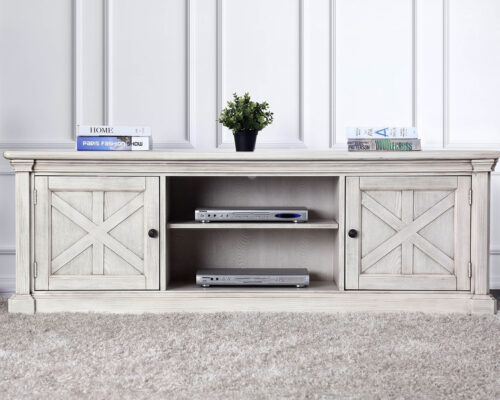
Furniture of America
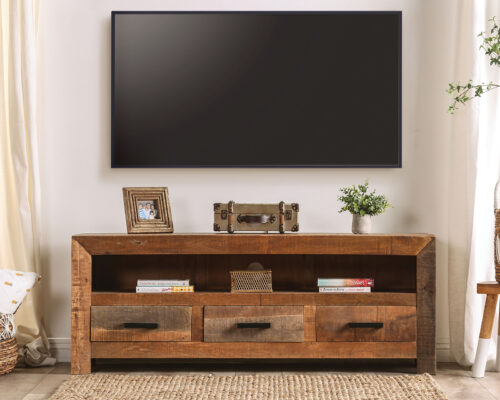
Furniture of America
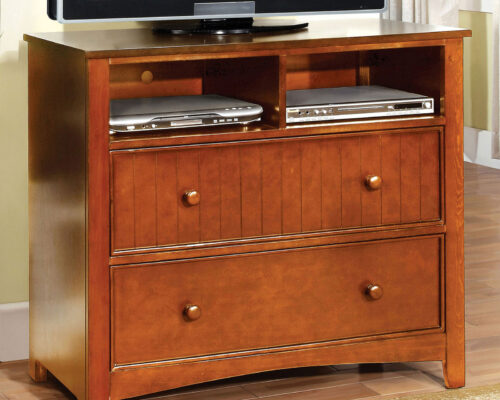
Furniture of America Galanthus Rustic Weathered Light Natural Tone Media Console

Furniture of America
Furniture of America
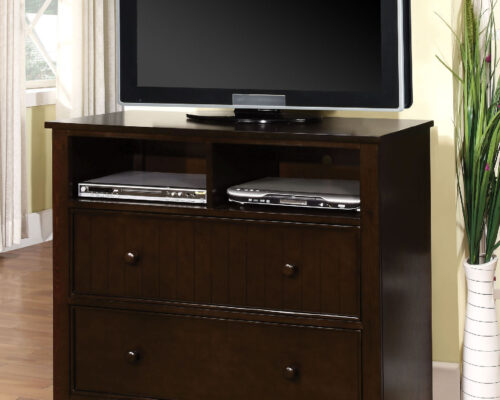
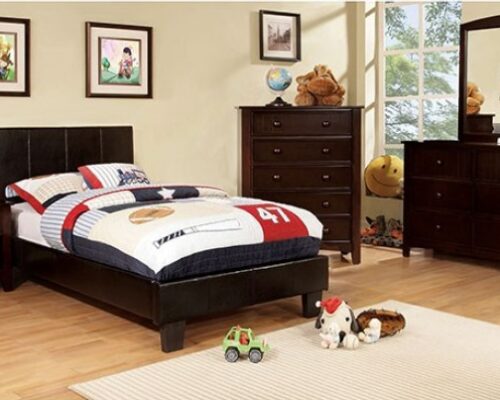
Furniture of America Corry Four Drawers Transitional Media Chest
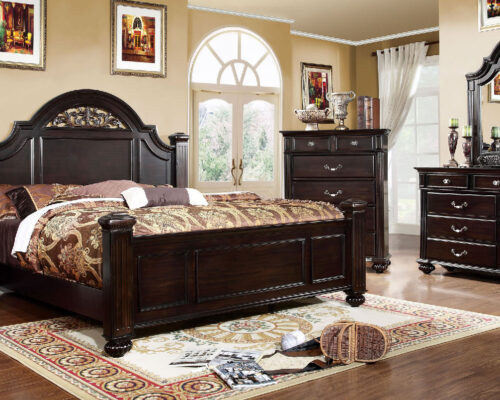
Furniture of America
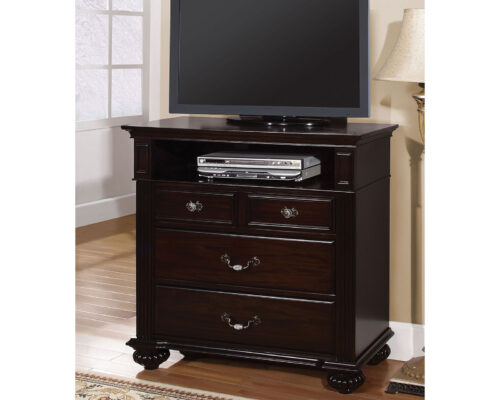
Furniture of America Syracuse Five Drawers Traditional Media Chest
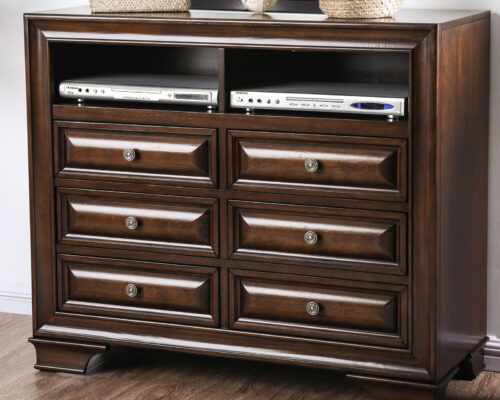
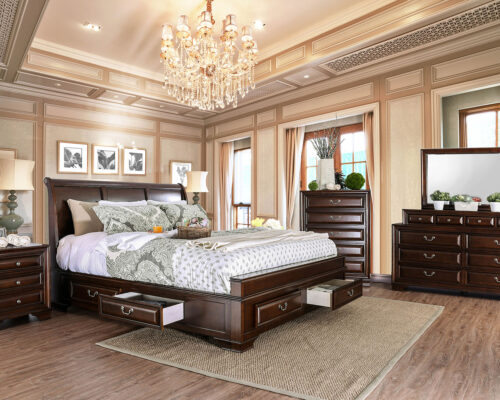
Furniture of America
Furniture of America Brandt Transitional Brown Cherry Media Chest
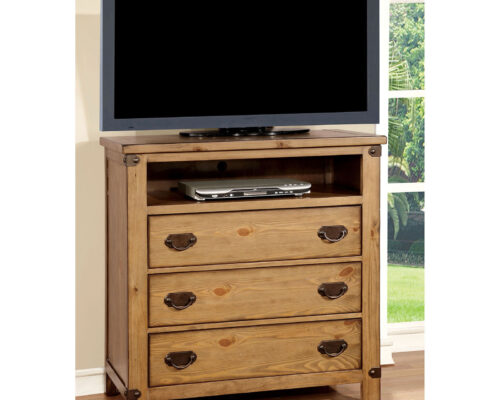
Furniture of America
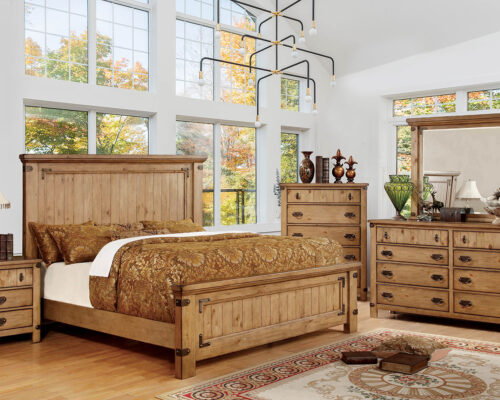
Furniture of America Pioneer Cottage Weathered Elm Media Chest

Furniture of America
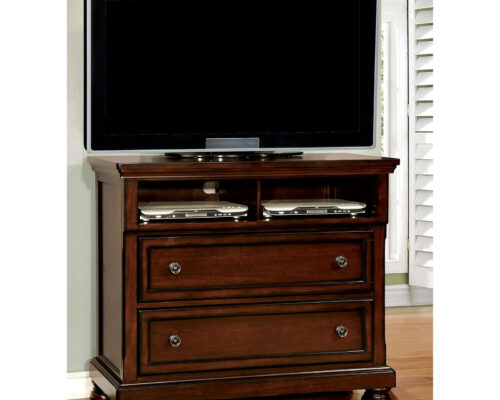
Furniture of America Northville Transitional Dark Cherry Media Chest
Furniture of America
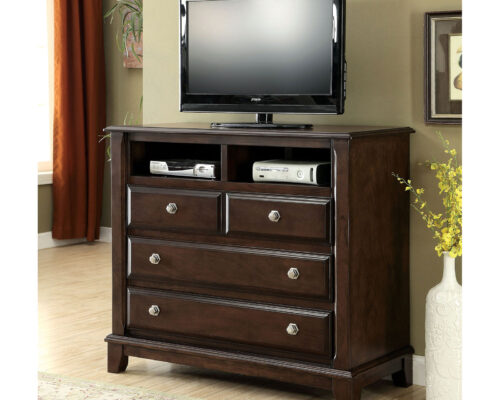
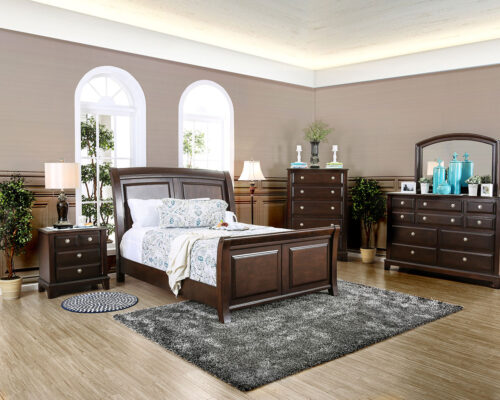
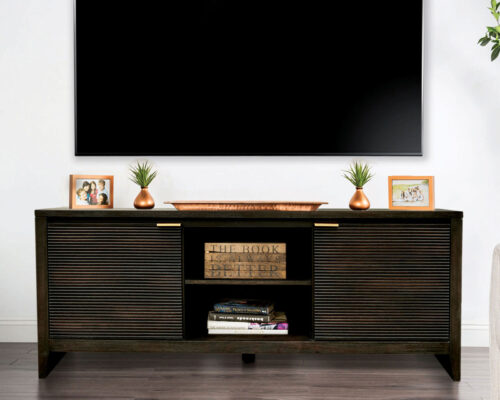
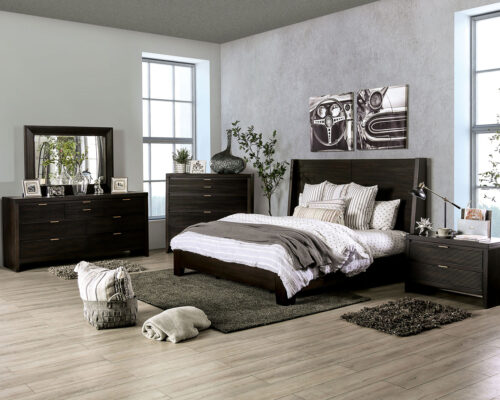
Furniture of America Litchville Transitional Brown Cherry Media Chest
Furniture of America
Furniture of America Laurentian Contemporary Dark Walnut Media Chest
Furniture of America
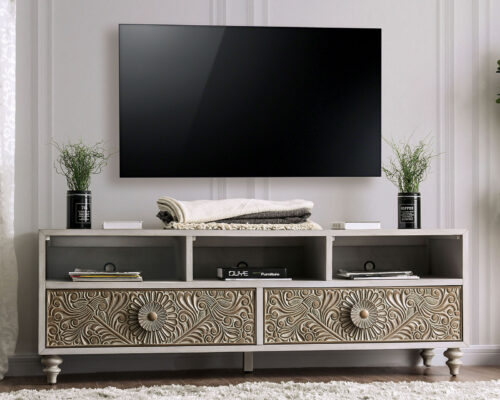
Furniture of America Jakarta Transitional Antique White TV Stand
Furniture of America
Frequently Asked Questions
A TV stand is a simple, open surface that holds your television with minimal storage. A media cabinet has enclosed storage — doors, drawers, or both — to hide cables, gaming consoles, and devices. If keeping your living room looking tidy is a priority, a media cabinet is the more functional choice.
Your TV stand should be at least as wide as your TV, ideally wider so it doesn’t look top-heavy. For a 55″ TV, a stand around 55–65″ wide works well. Also check the weight capacity — most stands support 100–200 lbs, but always verify it matches your TV’s weight.
The centre of your screen should sit at roughly eye level when seated — typically between 42″ and 48″ from the floor. Most TV stands range from 18″ to 24″ tall, so factor in your TV’s height when calculating. Sitting too low or too high causes neck strain over time.
A TV stand is compact and focused on holding the television. An entertainment center is a larger, wall-spanning unit that surrounds the TV with shelving, cabinets, and storage on all sides. Entertainment centers suit bigger rooms and those who want one statement piece to anchor the entire living space.
Yes, but check two things — width and weight capacity. A 65″ TV needs a stand at least 57–60″ wide for stable support. Most 65″ TVs weigh between 60–100 lbs, so confirm the stand’s weight rating exceeds that. Look for reinforced shelving and a sturdy frame, whether wood or metal.
Look for a TV stand with built-in cable management — back panel cutouts that let you route cords neatly out of sight. Media cabinets with closed doors are especially useful as they hide all devices and wiring behind them. Cable ties and adhesive cord clips are easy add-ons for open-shelf stands.
Solid wood offers the most durability and a classic look. Engineered wood is budget-friendly and widely available. Metal frames provide a sleek, modern feel and are very sturdy. Glass shelves look light and contemporary but require more cleaning. For homes with kids or pets, closed-door cabinets in solid or engineered wood are the most practical choice.
Yes — choose a low-profile media console or a corner TV stand, both of which minimise floor space. A floating wall-mounted media unit is another great option for tight spaces as it frees up floor area entirely. Stick to slim profiles and light finishes to keep the room feeling open.
Open shelving makes devices like game consoles and cable boxes easier to access and ensures proper ventilation. Closed cabinets hide clutter and give a cleaner look. Many TV stands combine both — open centre shelves for devices and closed side cabinets for storage — which is the most versatile option for most living rooms.
Balance the TV with décor on either side — books, plants, candles, or framed photos work well. Avoid overcrowding the surface; leave breathing room around the television. If the stand has open shelves, use baskets or boxes for a tidy, layered look. Match the finish to other wood tones in the room for a cohesive feel.